Documentation
- Student
Account and login
Student
Students access courses through your institute’s student portal (often linked from the public site as Login or Student login). You need an account and an active subscription or enrollment for each course before My courses shows content.
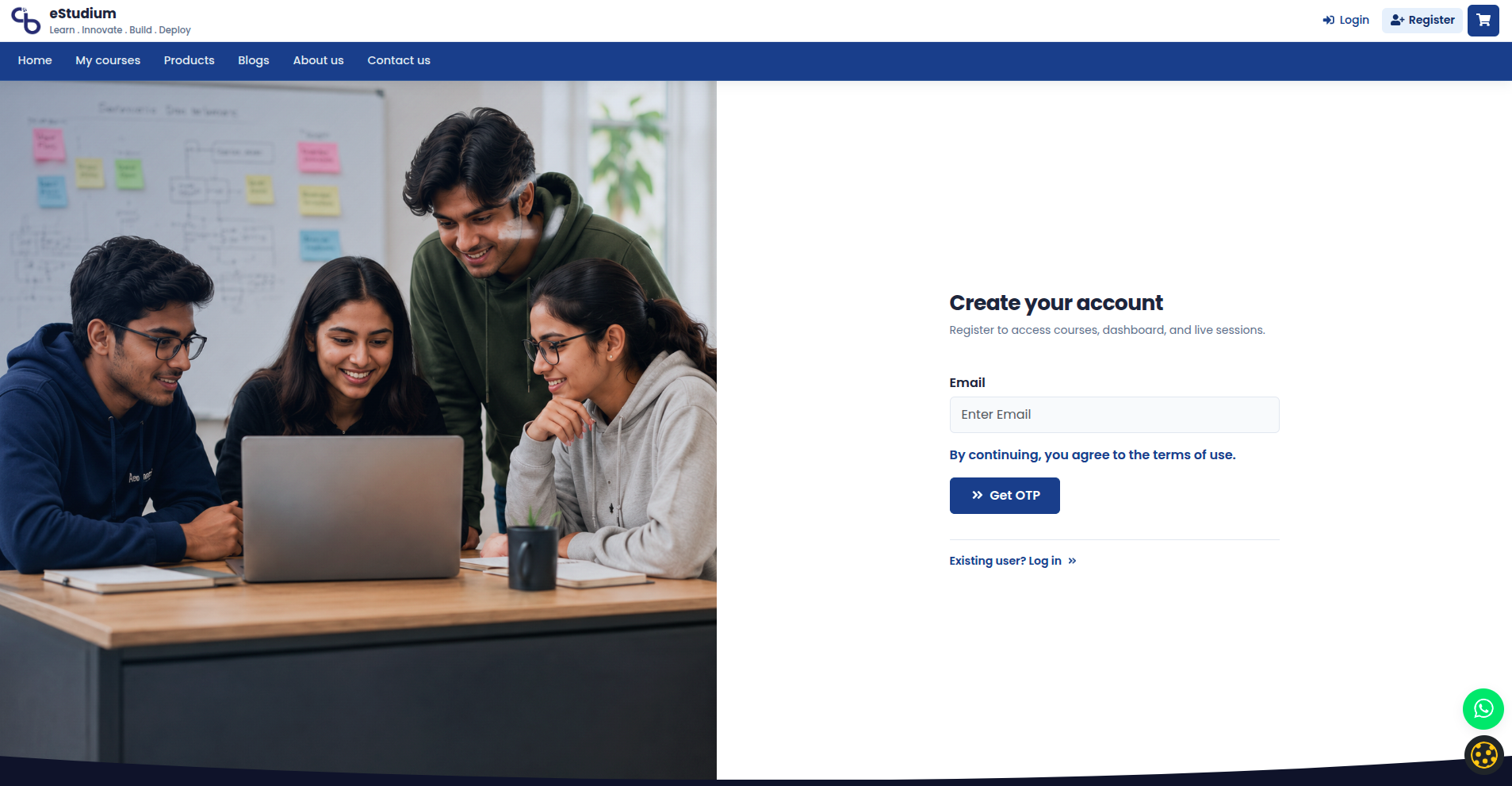
Registration options depend on institute settings: email, mobile OTP, or Google / Facebook when social login and cookie consent allow it.
Register or sign in
- Open your institute URL and choose Login or Register.
- Complete the form (name, email, mobile, password) or choose a social provider.
- On first visit, respond to cookie choices so optional features (social login, analytics) behave as described.
- After login, open My courses or the dashboard to confirm access.
Use Forgot password when you forget credentials; OTP flows depend on SMS or email configuration at your institute.
Social login and cookies
Google and Facebook sign-in require functional cookie consent on many deployments. If buttons are missing, open Cookie settings and allow functional cookies, or use email/password instead.
See Cookie choices and privacy and Social login.
Keep your account secure
- Do not share passwords in chat or email.
- Log out on shared computers.
- Update mobile and email in Profile when your institute allows edits so recovery and notifications reach you.
Demo accounts on showcase sites may be read-only; profile changes might be disabled.
What you gain
- One login for learning, payments, and messages
- Consent-aware optional features without surprise trackers
- Recovery paths when you forget a password or change devices
Troubleshooting
| Social login missing | Accept functional cookies; institute enabled Google/Facebook |
|---|---|
| OTP not received | Mobile number correct; SMS delays; contact institute support |
| Login works, no courses | Subscription or enrollment; paid checkout completed |
| Wrong institute site | URL matches admission email; not a staging site by mistake |
| Cookie banner repeats | Browser blocking storage; try another browser |