Documentation
For
- Administrator
Manual enrollment
People and access
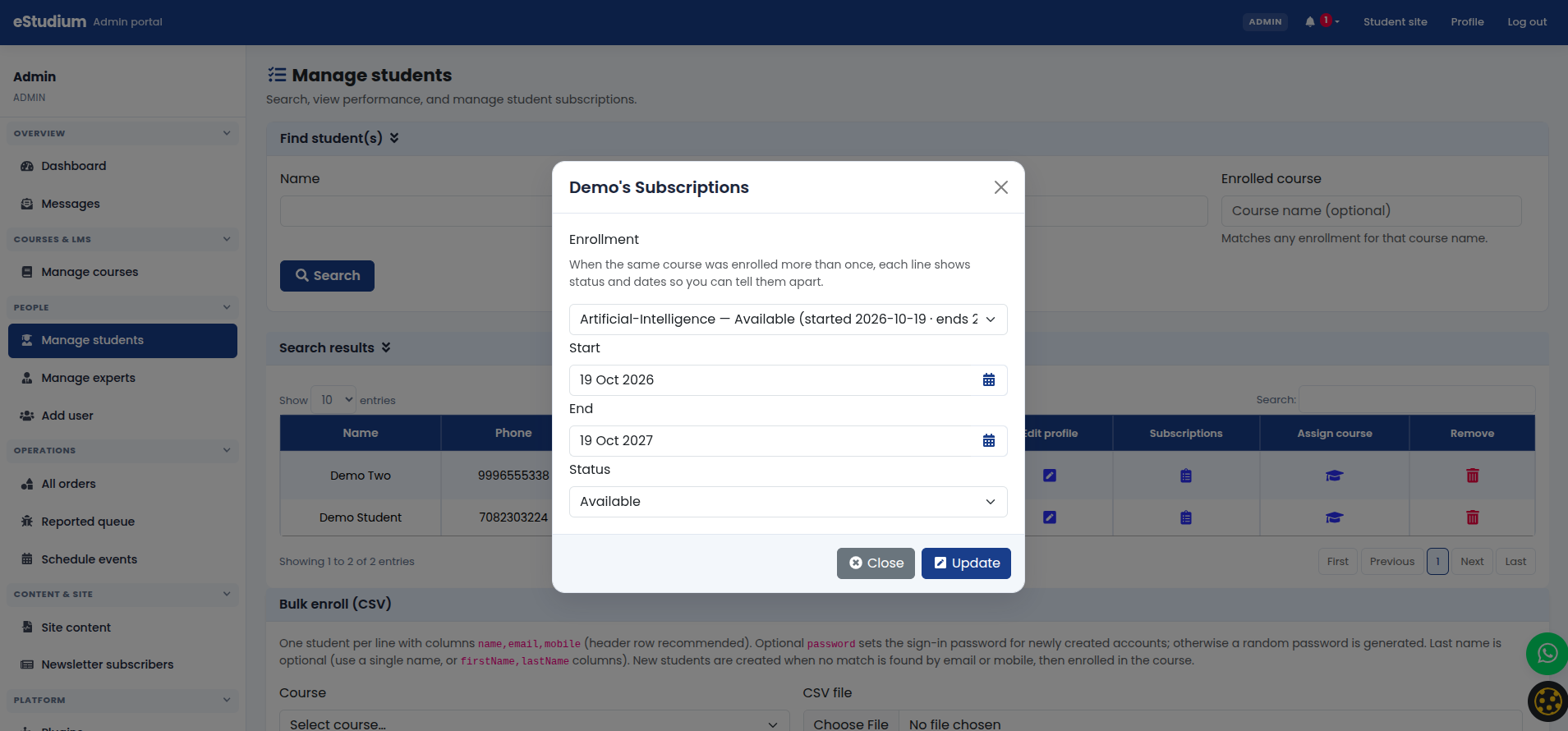
Assign a course subscription to one student without repeating checkout: useful for scholarships, transfers, or corrections.
How to
-
Open Manage students and find the student.
-
Open subscriptions (or add subscription).
-
Search the course catalogue and select the correct product/pricing tier.
-
Confirm dates and status so the student sees the course under My courses.
This path suits transfers, scholarships, or corrections without taking payment again.