Documentation
For
- Administrator
Add user
People and access
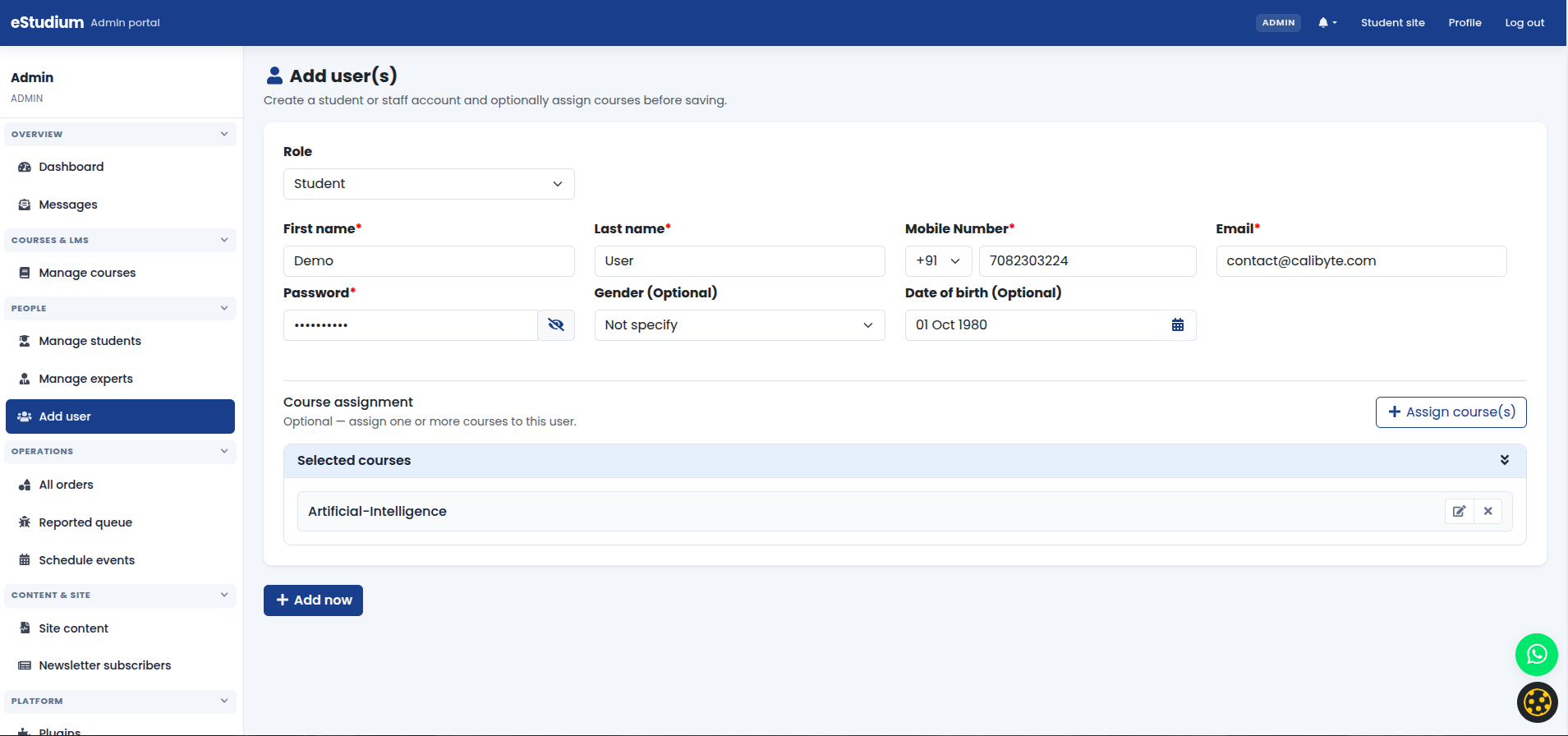
Use Add user to create student or expert accounts with the correct role and profile fields.
Steps
-
Open Add user.
-
Choose Student and complete required profile fields.
-
Optionally assign courses during creation using Assign course.
-
Save and communicate login details securely.
Troubleshooting
| User cannot sign in | Confirm email/mobile, password reset, and role (Student vs Expert). |
|---|---|
| Duplicate account | Search Manage students by email before creating again. |