Documentation
For
- Administrator
- Expert
Activity types
Learning (LMS)
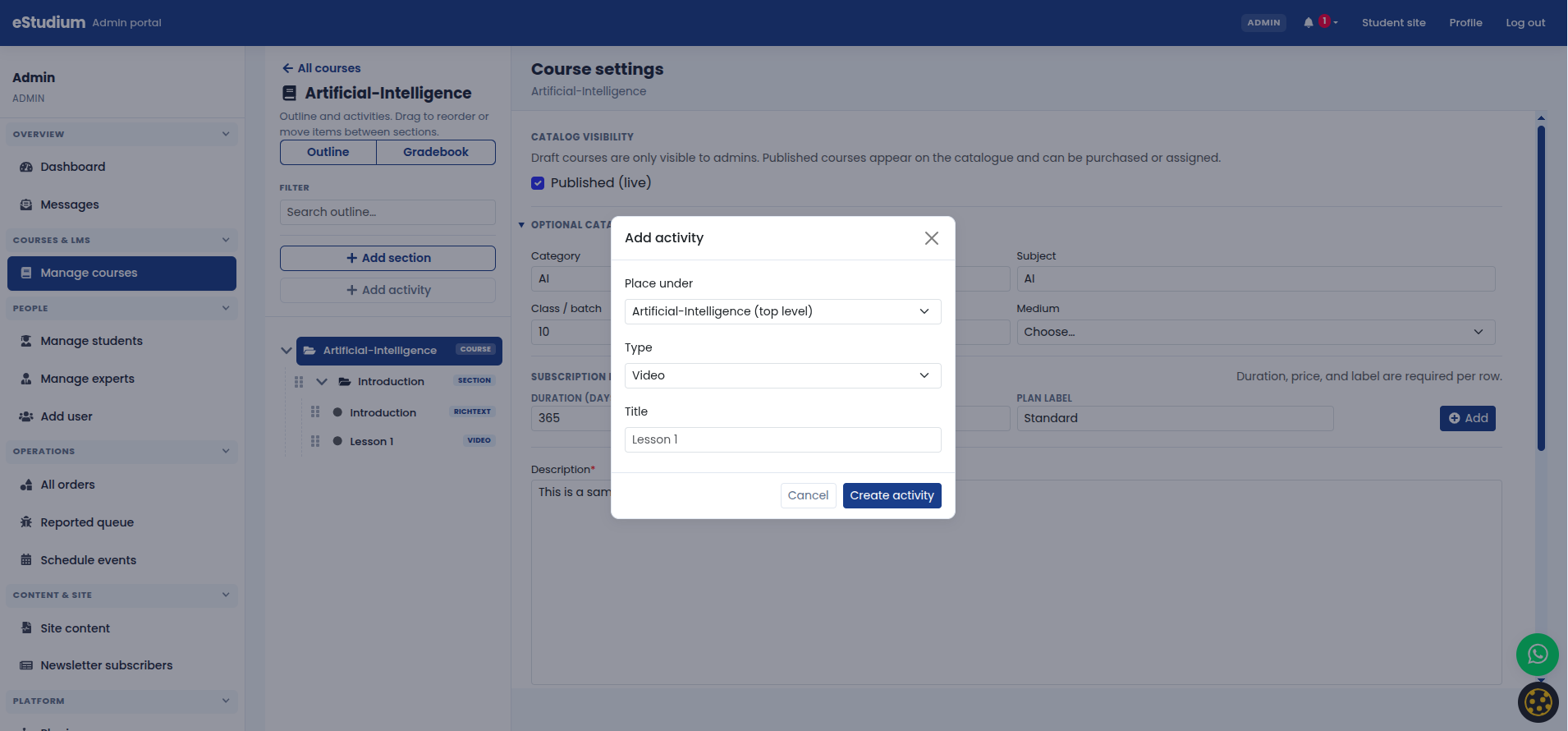
Each outline section contains activities: the steps students complete in My courses.
Supported types
The outline is the ordered list of what students experience inside My courses. It is organised into sections (modules or chapters). Each section contains activities:
- Video: Watch a hosted or embedded video lesson.
- Document: Open a PDF or similar file in the viewer.
- Rich text: Read formatted lesson content in the browser.
- Quiz: Take a timed or untimed mock test with automatic scoring.
Best practices
- Start each section with a short video or reading, then practice (quiz or assignment).
- Keep PDFs reasonably small for mobile learners.
- Name activities the way students should think about them (“Practice quiz: Real Numbers”) rather than internal codes.
What you gain: Predictable learning paths, easier onboarding for new teachers, and a clearer upsell story on your marketing site.